
Get FTH Trading Wallet
Your keys stay on your phone. Send and receive USDT on Tron (TRC-20), USDT on Ethereum and USDC on Base. View USDF on Stellar, view only. Bill people, pay x402 websites. No account and no password to register.
Install on Android
Download the Android app (APK)
Version 1.0.4 · 4.5 MB · SHA-25669932b614e7ec59cec204ab7ad900b91cd2cbd10cb8538874659e3c132bc61bd
- Tap the button. When your phone asks, allow installs from this browser (Settings → Install unknown apps). You can switch that off again afterwards.
- Open the downloaded file and tap Install.
- Open FTH Trading Wallet. It creates your wallet on the phone and asks you to set a passcode.
Android may show a notice that the app did not come from the Play Store. That is expected for a direct install. To check the download, compare its SHA-256 with the line above.
Open in your browser
No download needed. Open the wallet in Chrome (Android) or Safari (iPhone), then add it to your home screen. Android: ⋮ → Install app. iPhone: Share → Add to Home Screen.
Send this page to a phone
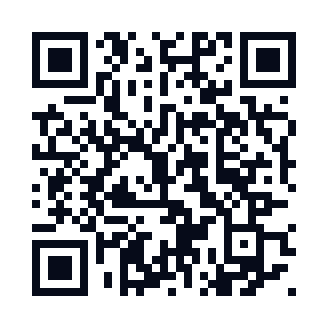
Scan with the phone camera. It opens fthwallet.unykorn.org/get.
A product of FTH Trading, software by UnyKorn LLC. Questions? Ask your FTH Trading desk · Privacy policy